- Open the Buzz activity and select "Show Dropbox" in the lower right-hand corner of the page.

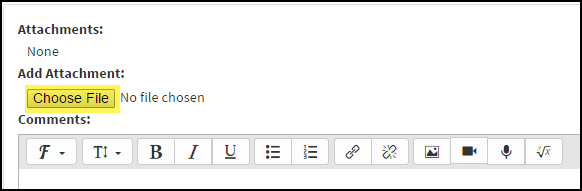
- Select the "Choose File" button and select one file to submit.
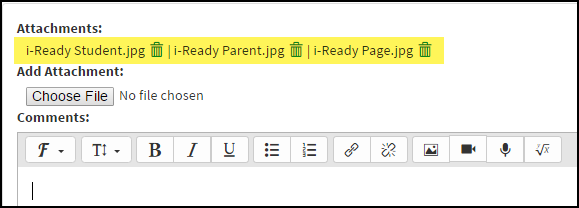
- Repeat the step above for subsequent files.
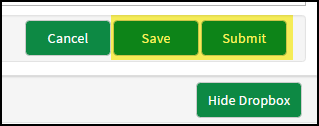
- Select the "Save" button to submit the activity later or the "Submit" button to submit the activity now.